

¶ About — the Reelink method
Articles are long.
Attention is short.
Reelink is a small film studio that lives in a browser tab. Paste the link to any article and it does the reading for you — lifting out the story, narrating it in a real voice, illustrating every beat, and cutting the whole thing into a vertical short you can actually finish.
The format people already watch, made from the writing they’d never get around to.
¶ Why Reelink
Made from this article.
Not a showreel — an ordinary run. One link went in; minutes later this came out, untouched.
Untouched output
Living scenes
Stills that breathe — each scene drifts, and loops without ever cutting.



A style per story
Every article gets its own art direction — chosen for the topic, kept for every frame.
Voices with breath in them
Narration that pauses, leans, and lands — in English, Ukrainian, and Russian.
An opening that stops the scroll
The script auditions its openings and keeps the one that would stop your thumb — engineered, not improvised.
Plenty of tools will help you turn an article into a video — with your footage, their stock clips, or a timeline.
Clip cutters
They slice footage you already filmed. Start from an article, and there is nothing to cut.
Draft builders
They turn a link into a timeline of stock clips — then hand you the editing.
Avatar readers
They hire a synthetic face to read the article at the camera.
◆ Reelink
Reads the article, writes the scenes, paints them, voices them, captions them. The reel arrives finished.
¶ The workflow
From a link to a film — scroll to watch it happen.

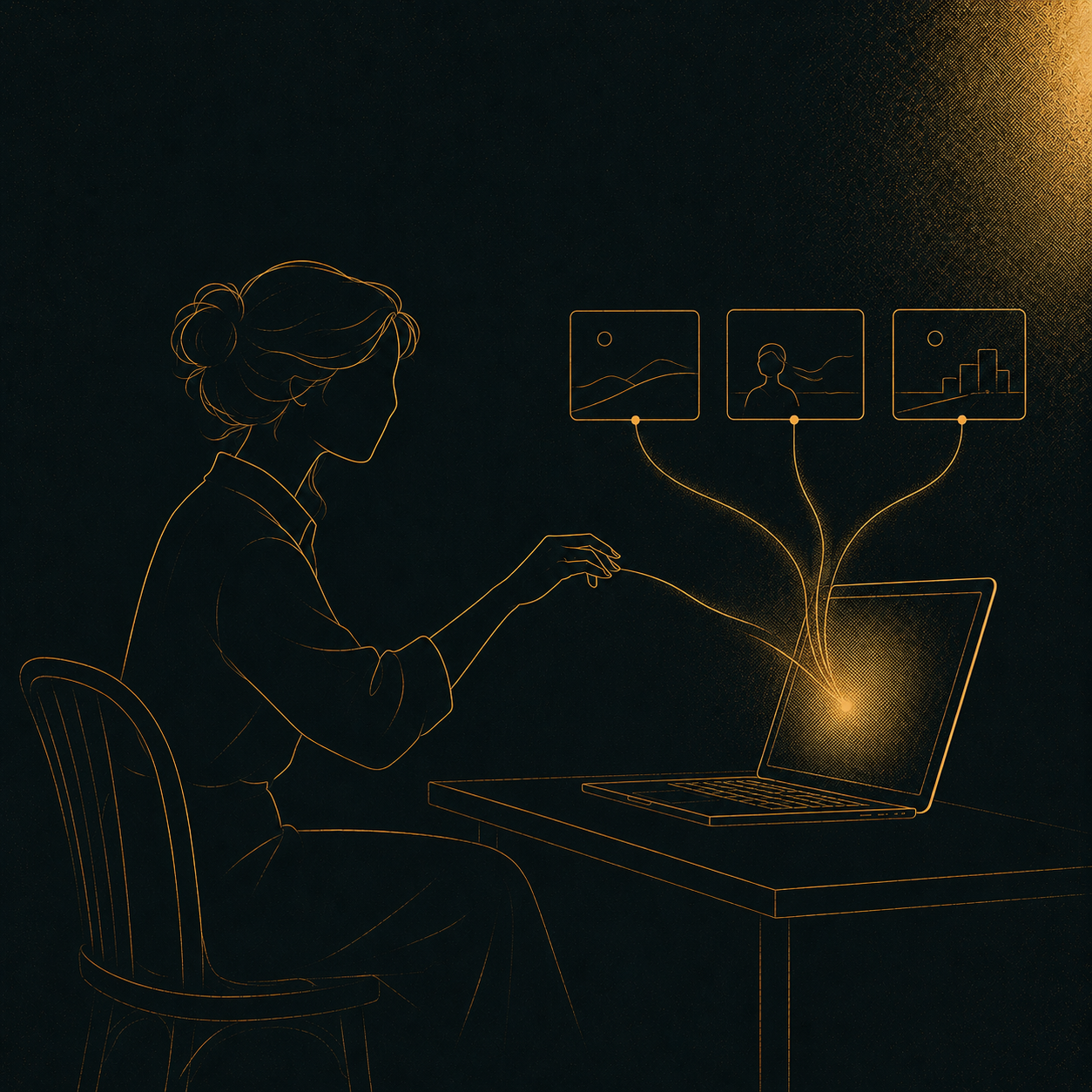
01 / 05
Paste a link
Drop the URL of any article into Reelink.
02 / 05
Read & script
It reads the piece and writes three or four scenes.

03 / 05
Illustrate
Every scene gets its own AI-made still.

04 / 05
Narrate
A human-sounding voice records the script.

05 / 05
Cut into a reel
Stitched into a vertical 9:16 short.
¶ What it can read
Most public articles work. A few kinds don’t.
Reelink reads a page the way a reader would. If the article’s text sits openly on the page, it almost always works — it just can’t get past locked doors or pages that aren’t really articles.
✓ Reads well
- Open news & magazine articles
- Blog posts and essays
- Explainers and how-to guides
- Health & science write-ups
- Most reference and encyclopedia pages
✕ Can’t read
- Paywalled or members-only stories
- Pages hidden behind a login
- Sites that block automated readers
- Home pages, feeds, or search results — not one article
- PDFs, videos, podcasts, or photo galleries
- Very short pages with barely any text
If a link can’t be read, you’ll get a friendly heads-up and nothing is charged — just try a different source.
¶ Your turn